Import Your Contacts from Windows™ Address Book
-
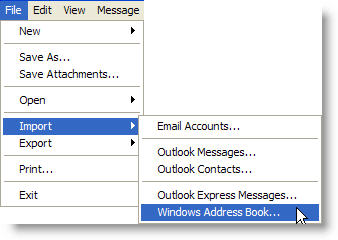
Click the "File" menu item on the main menu and select "Import" > "Windows Address Book" from the drop-down list.
The Windows Address Book is used by Outlook Express™ to store contact information.

-
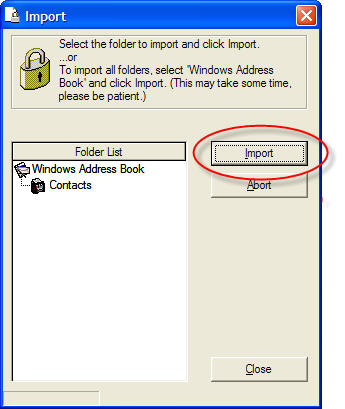
Select the individual folder to import or select the top level folder to import all folders and contacts.
-
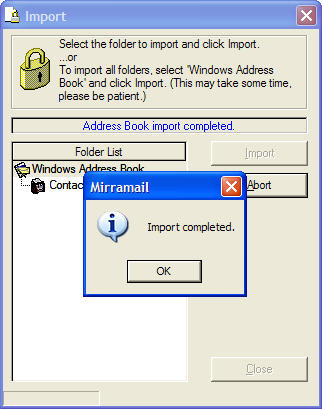
You will receive confirmation when the import process has finished.