Import Your Mail Account settings
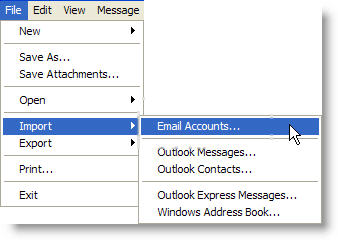
- Click the "File" menu item then select "Import" > "Email Accounts" from the drop-down list.
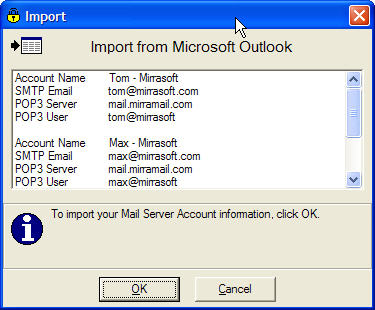
- The Mail Accounts available to import will appear on the next screen. Click "OK" to import your mail accounts into Mirramail.
To manually add a new mail account to Mirramail, click the "Tools" menu item and select "Accounts" from the drop-down list. Learn more.